> ## Documentation Index
> Fetch the complete documentation index at: https://auth0.generaltranslation.app/llms.txt
> Use this file to discover all available pages before exploring further.
# Mettre à jour les connexions des applications
> Describes how to update an application’s enabled connections using the Auth0 Dashboard.
You can change your application’s enabled connections using the Auth0 Dashboard.
1. Rendez-vous à [Dashboard > Applications](https://manage.auth0.com/#/applications) et cliquez sur le nom de l’application à afficher.
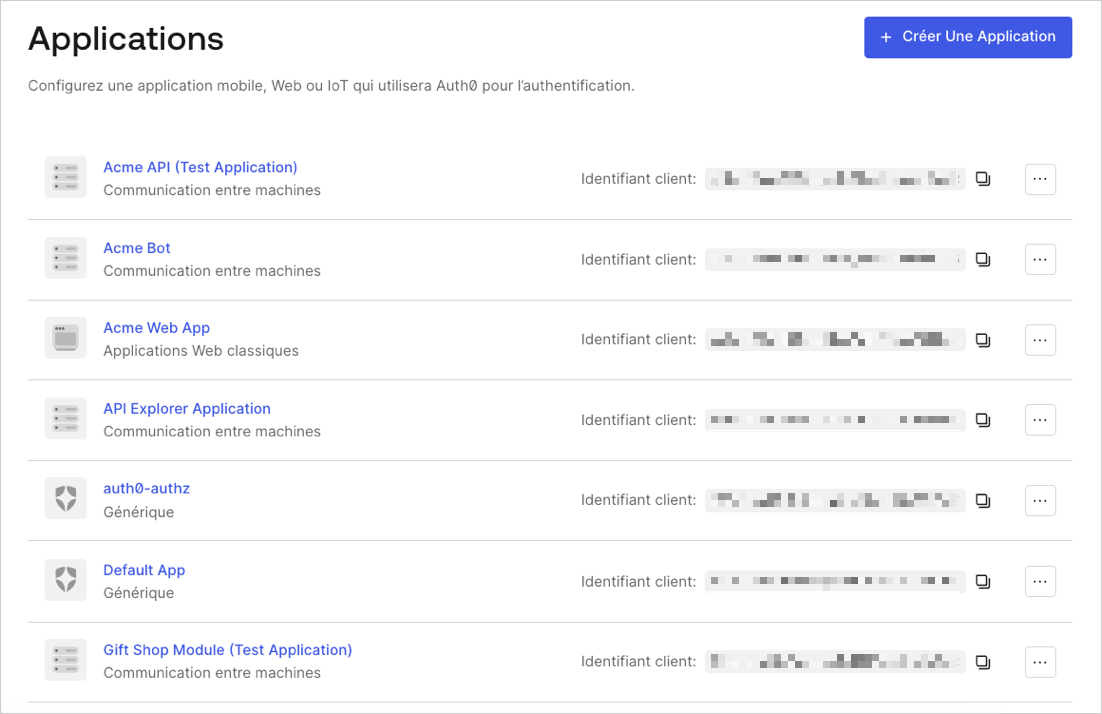 2. Cliquez sur l’onglet **Connexions**, puis activez ou désactivez les connexions appropriées pour l’application.
## En savoir plus
* [Afficher les connexions](/docs/fr-CA/fr-ca/authenticate/identity-providers/view-connections)
* [Vérifier les connexions](/docs/fr-CA/fr-ca/troubleshoot/basic-issues/verify-connections)