

Lock.stringsファイルを提供して、Lockが表示するかもしれない各種のテキスト項目に使用する値を定義することができます。
言語の扱い方については、Appleのドキュメンテーションにある国際化とローカリゼーション
Lock文字列値
英語の代替文字列を提供する
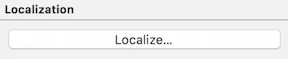
File inspectorの[Localize...(ローカライズ…)]をクリックします。
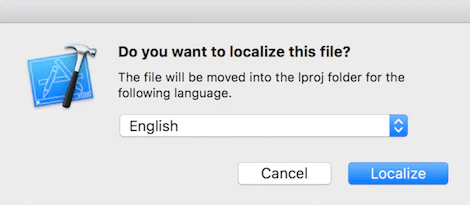
English(英語)]を選択します。
// Forgot password "com.auth0.lock.database.button.forgot_password" = "Did you forget your password?"; // tos & privacy "com.auth0.lock.database.button.tos" = "Signing up is an indication of your agreement to our terms of\n service and privacy policy";
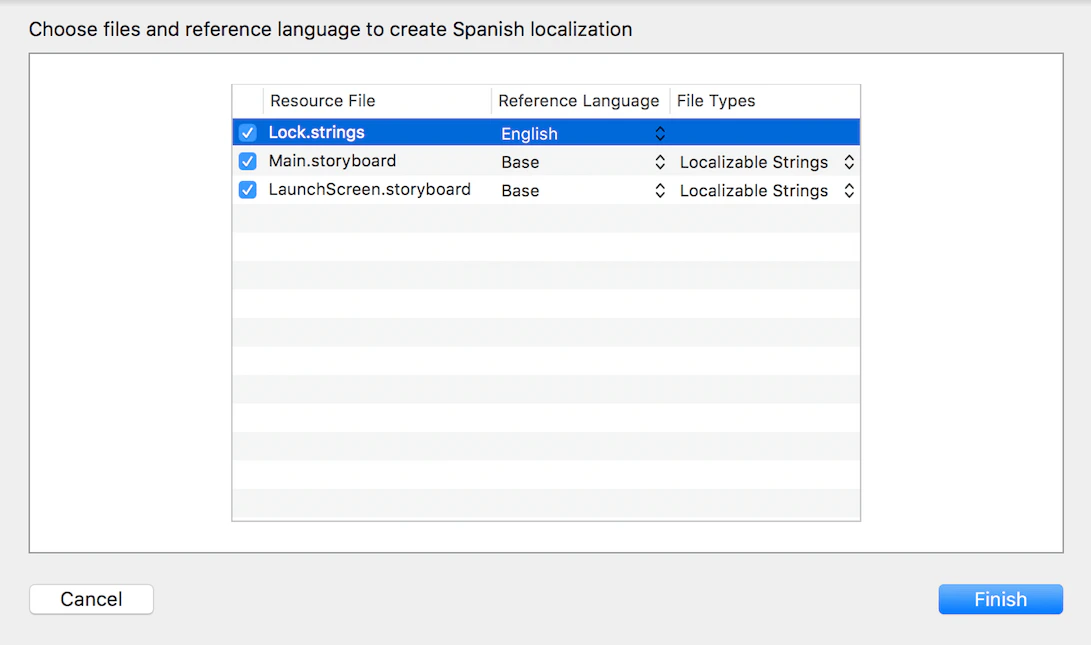
他の言語に対応する
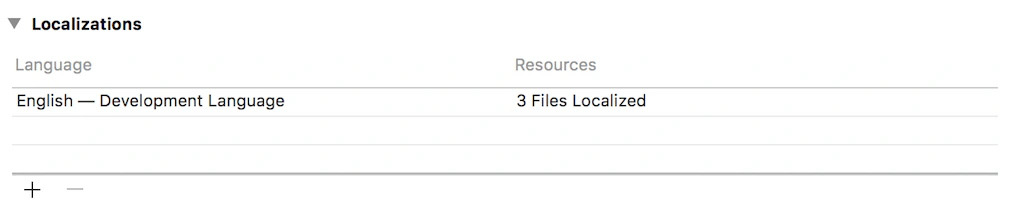
Project/Infoに新しい言語を追加する必要があります。
注意
// No more than %@{count} identical characters in a row (such as, \"%@{identical sample}\" not allowed) "com.auth0.lock.error.password.no_more_identical" = "No more than %1$d identical characters in a row (such as, \"%2$@\" not allowed)";