メインコンテンツへスキップ
EmailVerificationResult
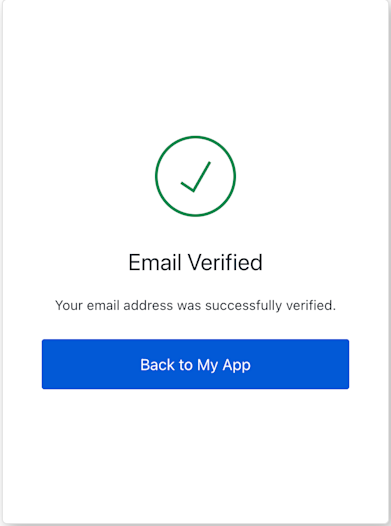
Example
import EmailVerificationResult from '@auth0/auth0-acul-js/email-verification-result';

const emailVerificationResultScreen = new EmailVerificationResult();

// 画面データにアクセス
const status = emailVerificationResultScreen.screen.data?.status;
const loginLink = emailVerificationResultScreen.screen.loginLink;

console.log(`検証ステータス: ${status}`);
if (loginLink) {
  console.log(`ログインに進む: ${loginLink}`);
  // UIでは、このリンクをボタンまたはアンカータグで使用します
  // 例: <a href={loginLink}>ログインへ</a>
}

コンストラクター

EmailVerificationResult
Constructor
新しい EmailVerificationResult クラスのインスタンスを初期化します。 画面固有のコンテキストを取得し、screen プロパティを設定します。

例外

Universal Login のコンテキストが利用できない場合、またはコンテキスト内の現在の画面名が EmailVerificationResult.screenIdentifier と一致しない場合にスローされます。

プロパティ

branding
client
organization
prompt
screen
tenant
transaction
untrustedData
user
screenIdentifier
string
static

メソッド

getErrors
コンテキストからトランザクションのエラー配列を取得します。エラーがない場合は空の配列を返します。トランザクションコンテキストからのエラーオブジェクトの配列です。